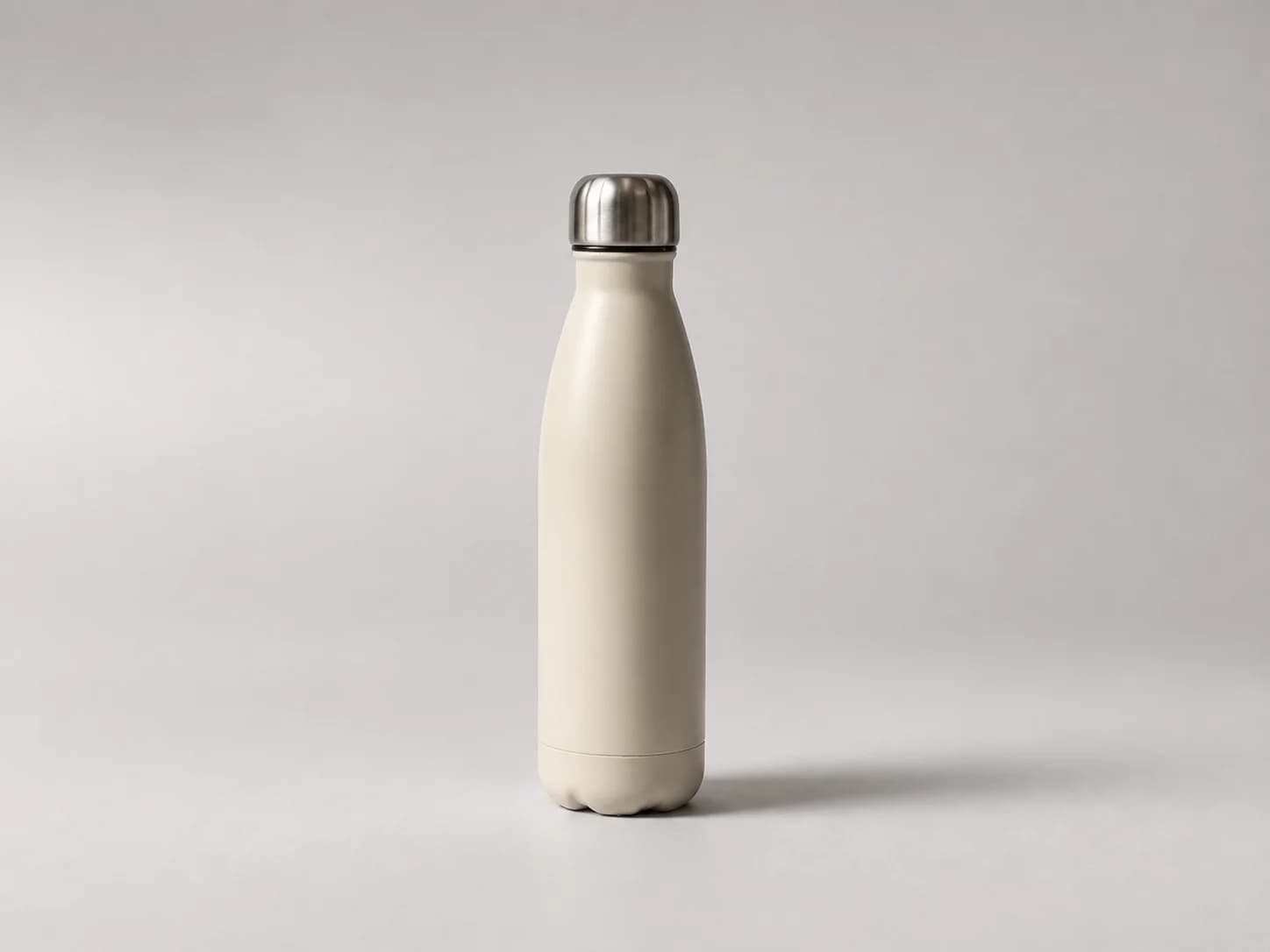
 Packshot
Clean studio
A neutral image for catalogs, marketplaces and clean product pages.
Product scenes begin with an approved source photo and keep its identity recognizable while the presentation changes. Editorial artwork begins with an idea.
For a product scene, give the approved photo and the chosen direction to a reference-preserving image editor. If your agent does not have one, use a product-image workflow such as PixelHarbor.
Supplied product
Use the approved product photo in a reference-preserving image editor. Keep the product exact while the set, light, camera, crop and supporting objects change.
Browse product-ready directionsPackshotA neutral image for catalogs, marketplaces and clean product pages.
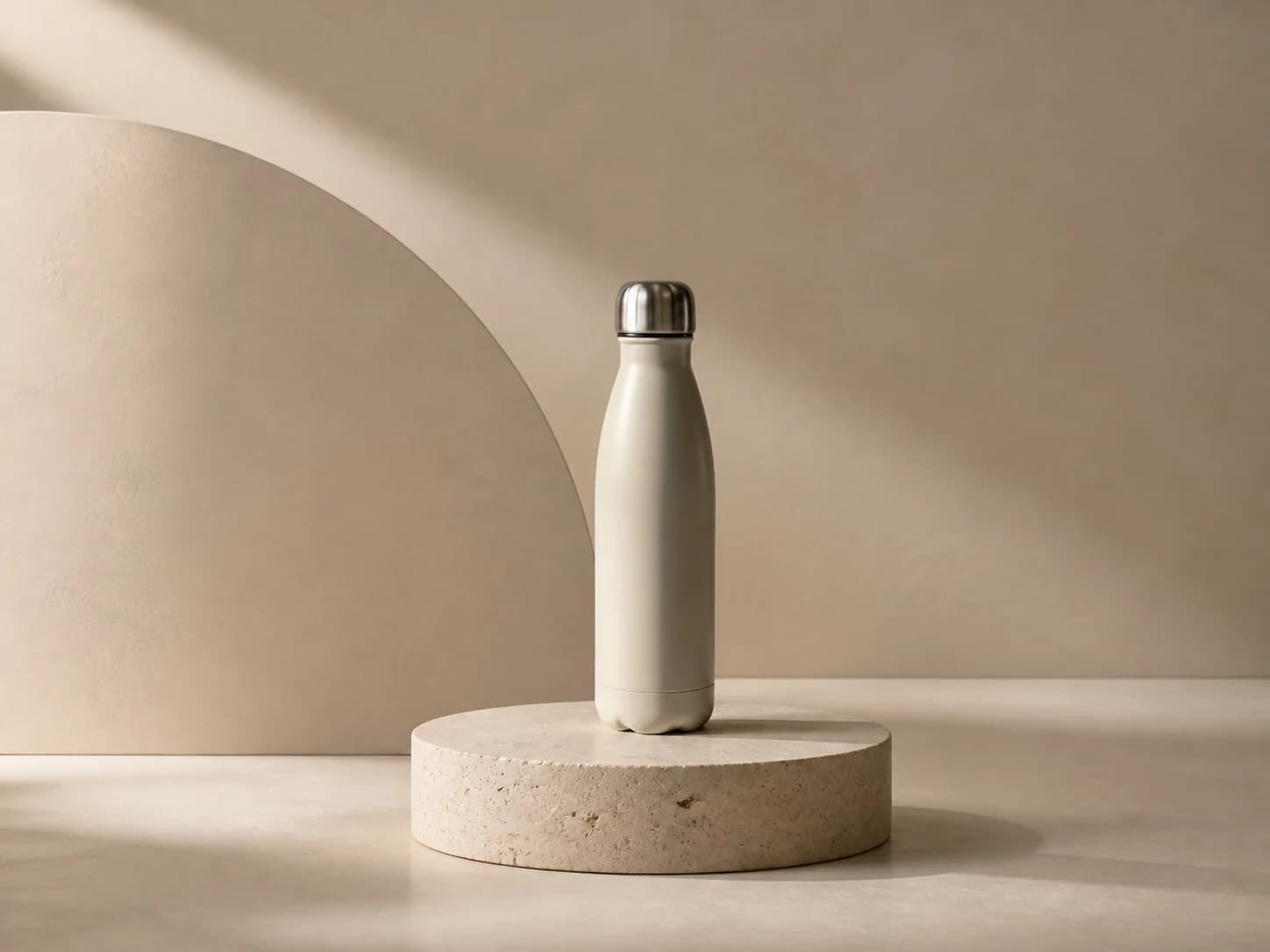 Pedestal set
Add depth and structure without competing with the item.
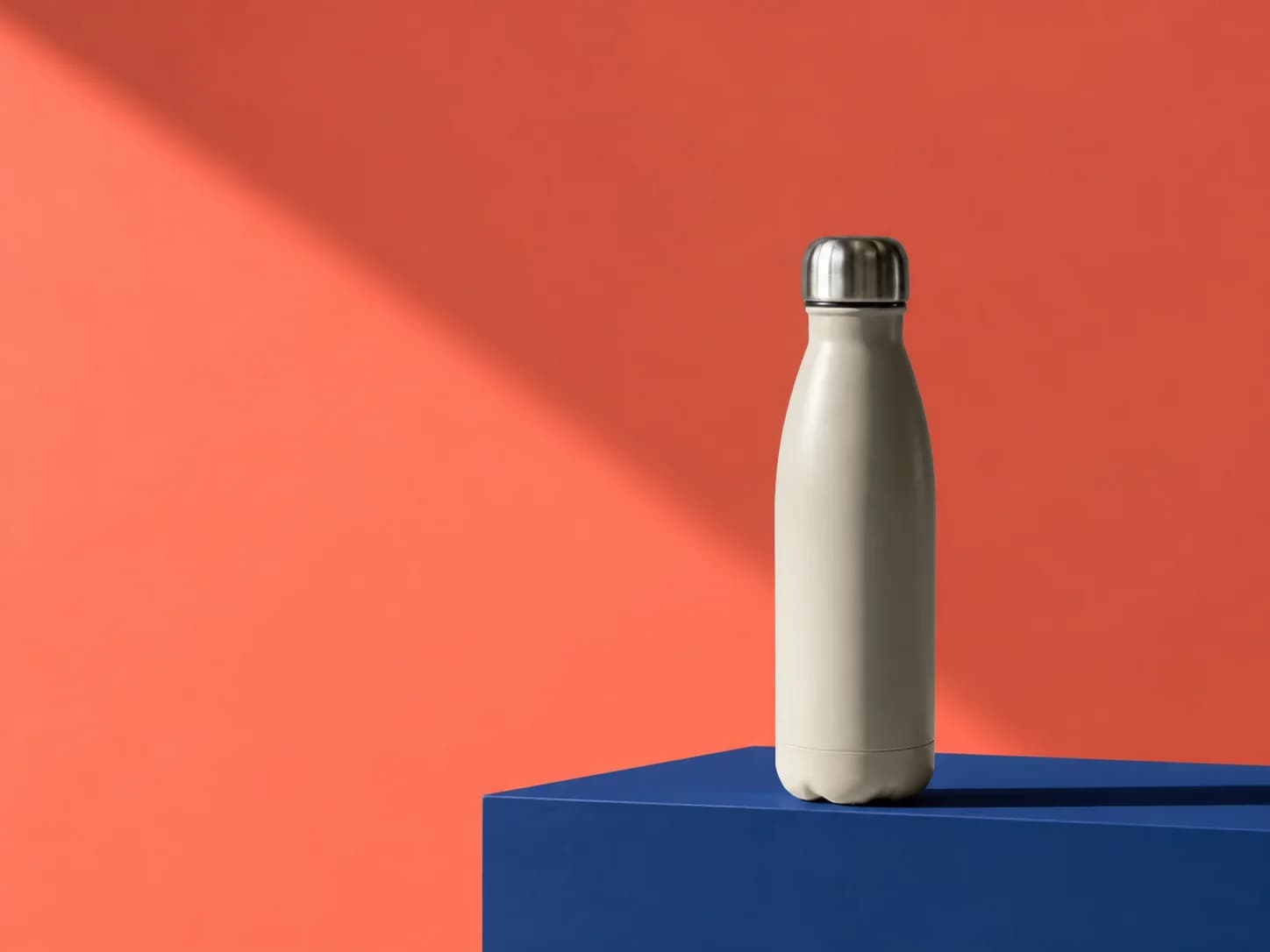 Campaign set
Use brand color, hard light and copy space for a campaign image.
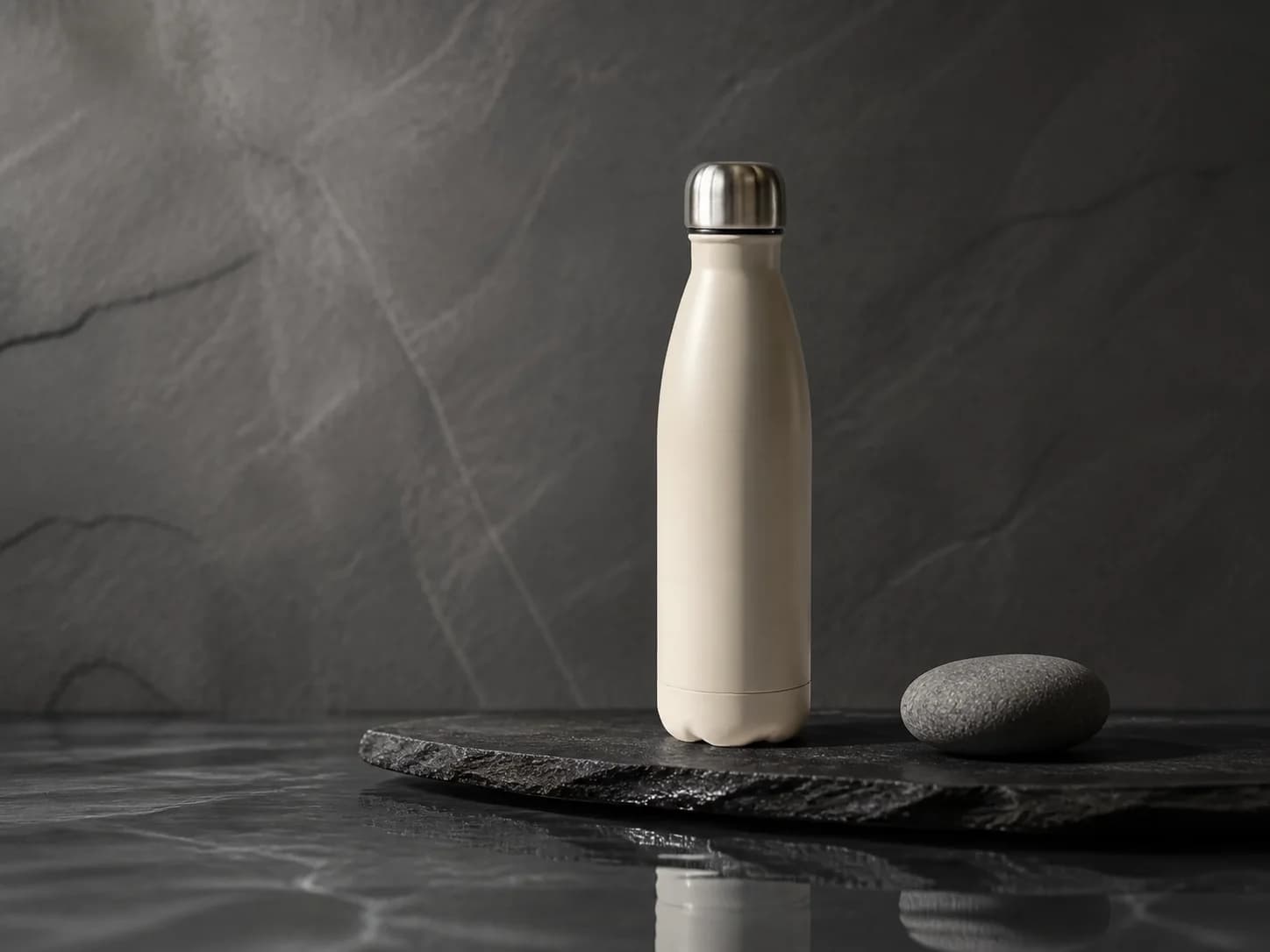 Material still life
Put tactile products in a restrained stone and water setting.
Start from a brief
Start from the story, not an uploaded product. Create a new image for a launch, article, research note or campaign.
Browse editorial directions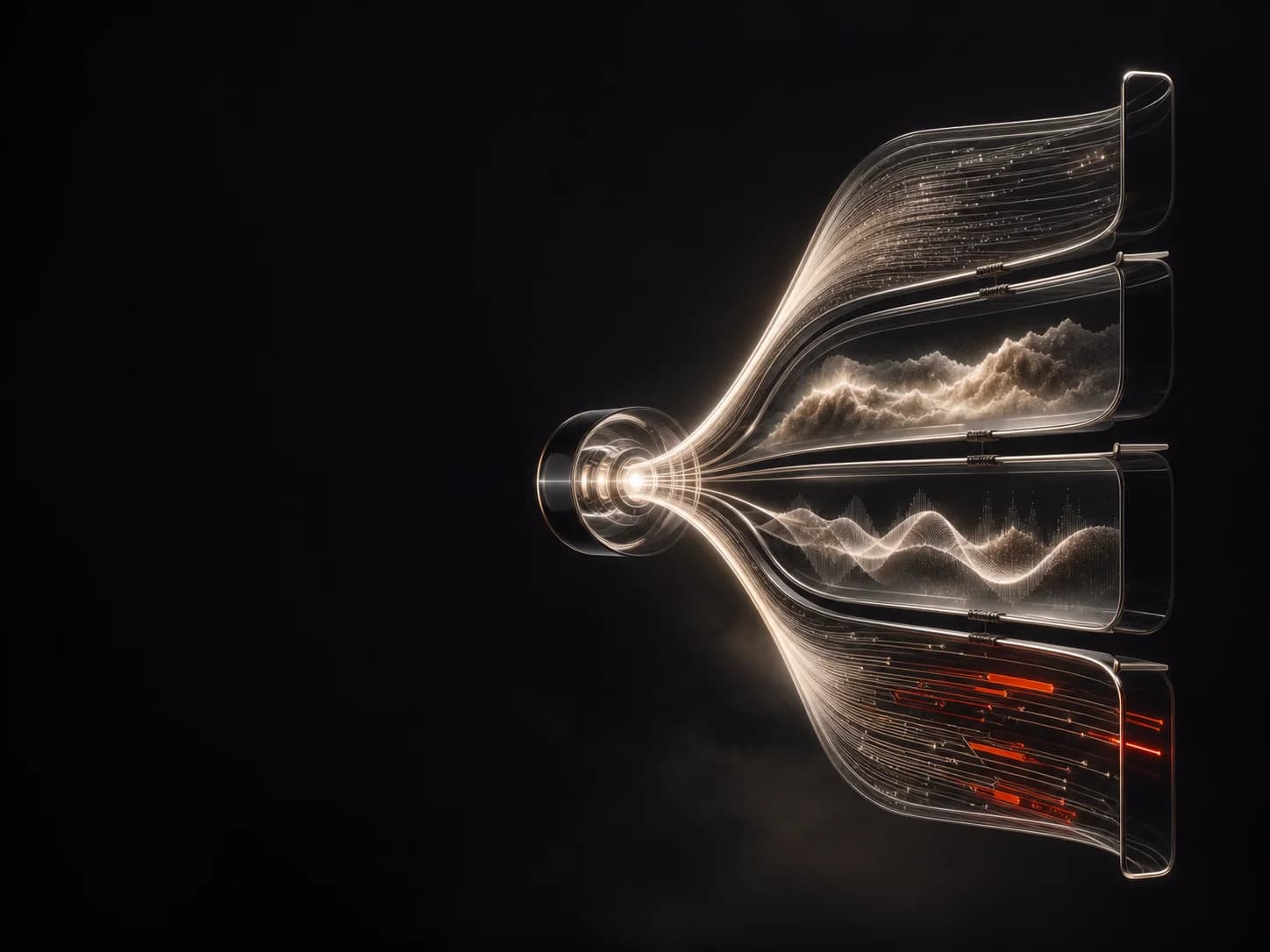 Conceptual 3D
Give a new capability a clear visual idea without inventing a product shot.
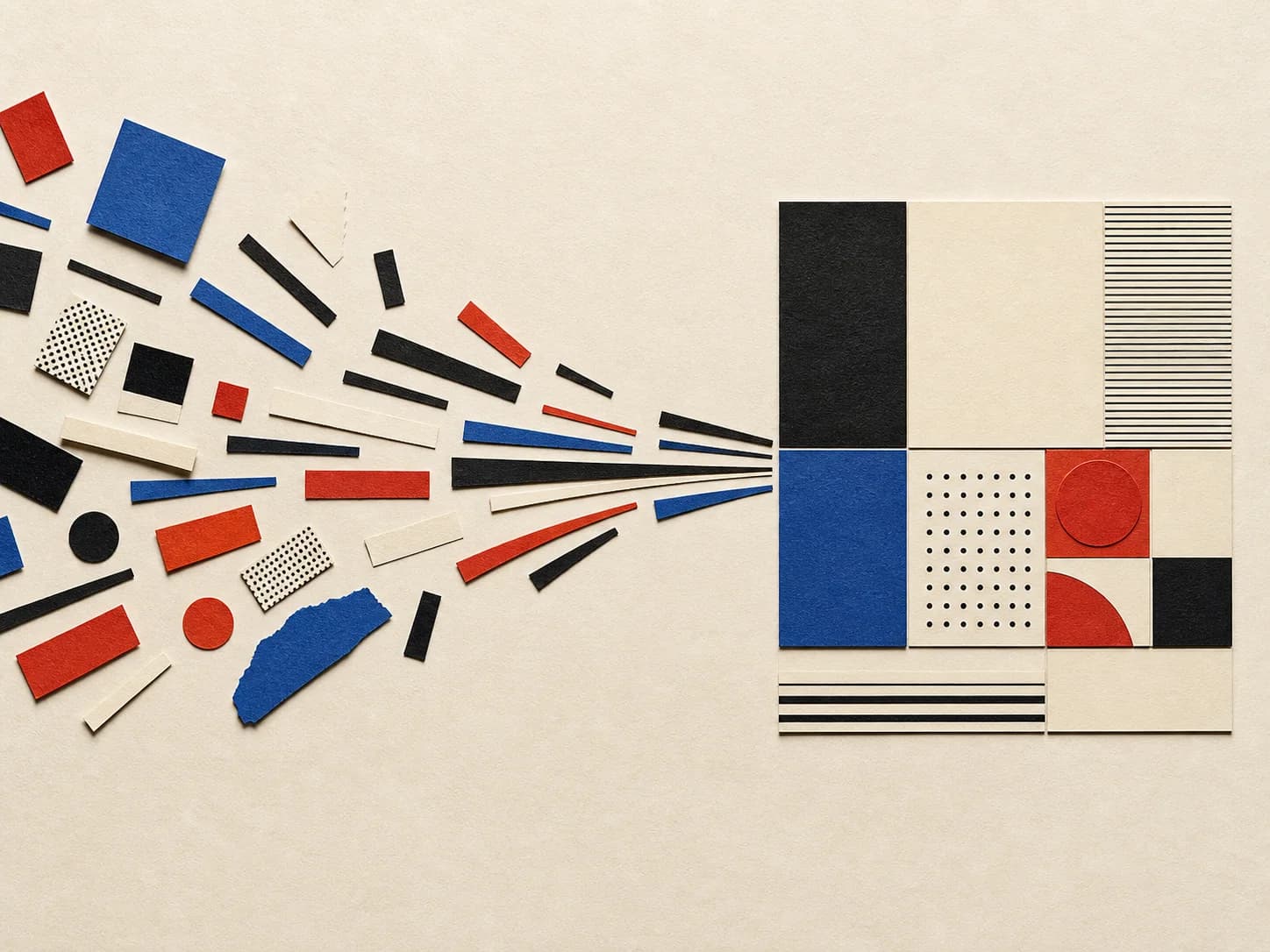 Cut-paper collage
Turn an abstract system or process into a readable article opener.
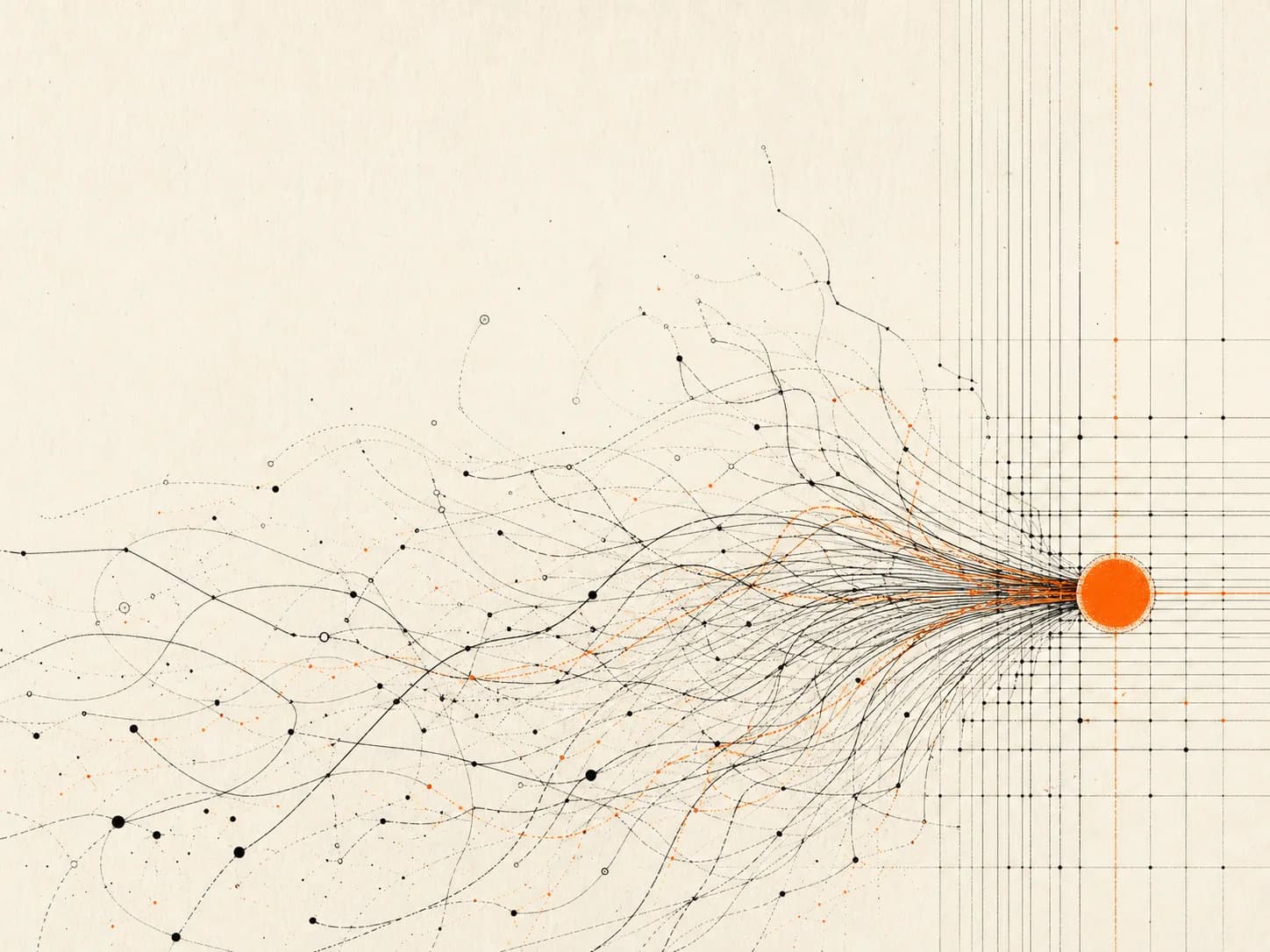 Generative linework
Make experiments and progress visible without faking a chart.
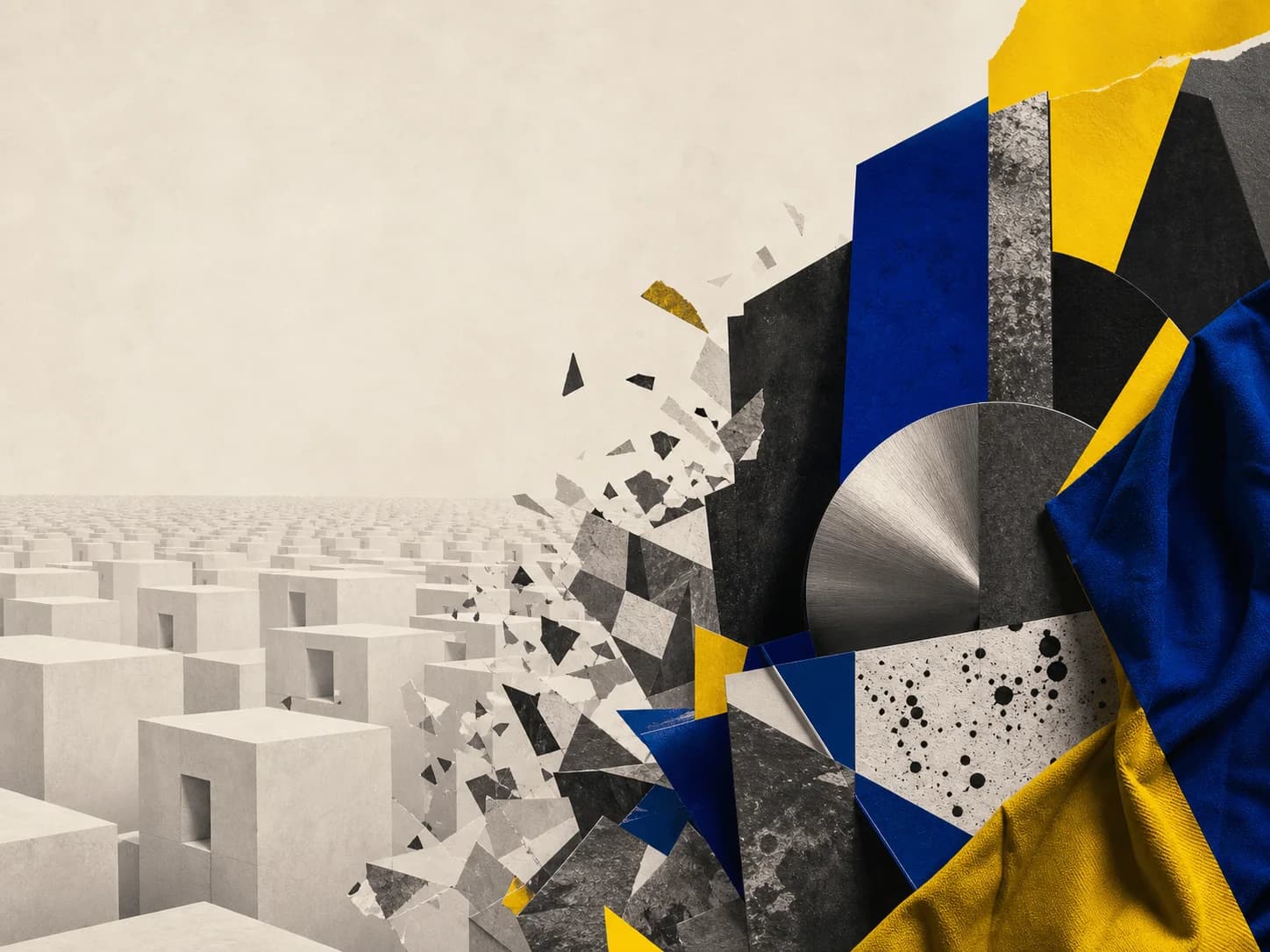 Photomontage
Build a visual metaphor for a change, tension or point of view.
After the job
An image direction defines the medium and production grammar. For original artwork, it shapes the whole image. For product scenes, use only a fidelity-preserving photography or rendering direction and keep the reference locked.
1 direction

Sculpture & physical objectPrompt + reference
A real object pinched and pressed by hand, photographed with the fingerprints still in the surface.
Best for: Brands whose positioning is craft, material or human-made